
Available with any of the following subscriptions:
- All plans
Definition
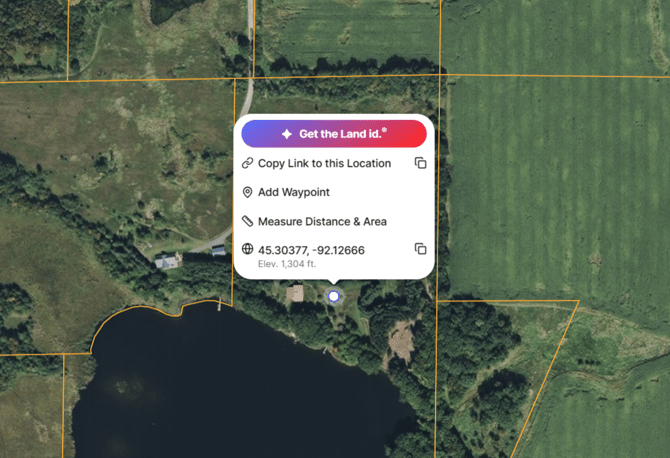
Available within the Search Map, the Shortcut Menu allows you to access multiple Land id features with a single right click. The Shortcut Menu will improve your efficiency by reducing the number of menus you must navigate to access a tool.
With the Shortcut Menu, you can copy map coordinates, copy a link to a location, open the Measurement Tool, or add a waypoint to your map. It also contains the Land id AI Insights button, where you can generate AI Insights for a parcel.
key Benefits
- Quickly access multiple Land id tools with a single right click
- Improve your work efficiency by navigating fewer menus to reach these tools